Pixel Race
An innovative motion-controlled racing game running on a custom-built LED matrix device, combining accelerometer input, dynamic visuals, and an accessible arcade experience.
| Author(s) | Zheng Chen, Nicolò Beghetto |
|---|---|
| Academic Year | Jan 24, 2025 |
| Course | Physical Computing / Interactive Prototyping |
Abstract
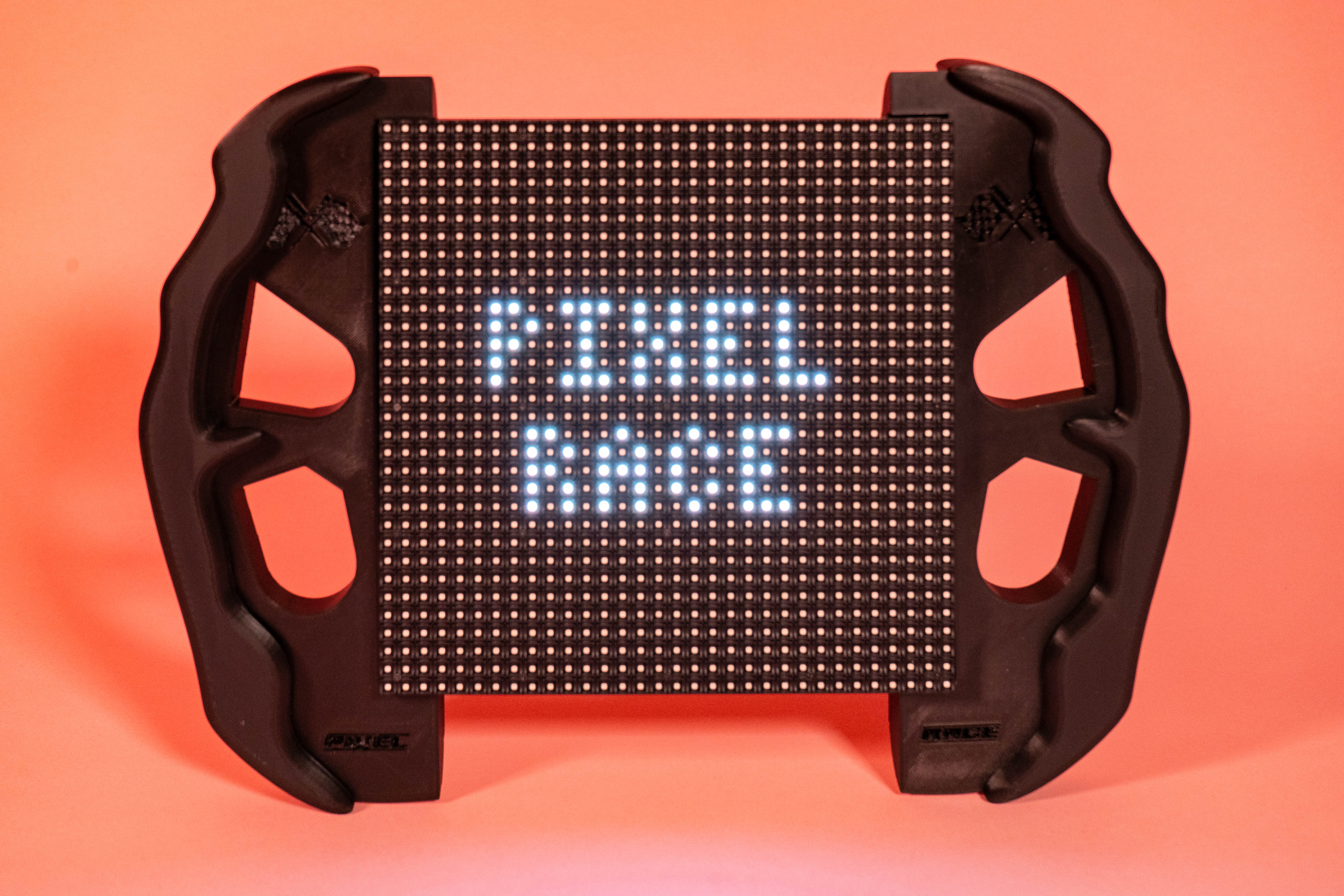
Pixel Race is an innovative motion-controlled racing game designed to run on a custom-built LED matrix device. Combining intuitive accelerometer-based controls, dynamic visuals, and an engaging gameplay experience, this device offers a blend of fun and challenge for players of all ages.
Concept
In an era where video games are becoming increasingly digital with the help of AI, Pixel Race attempts to rediscover the charm of classic '70s and '80s arcade experiences through a tangible, playful, and physical interface.
Video
Demonstration of Pixel Race running on the motion-controlled LED matrix device.
Gallery
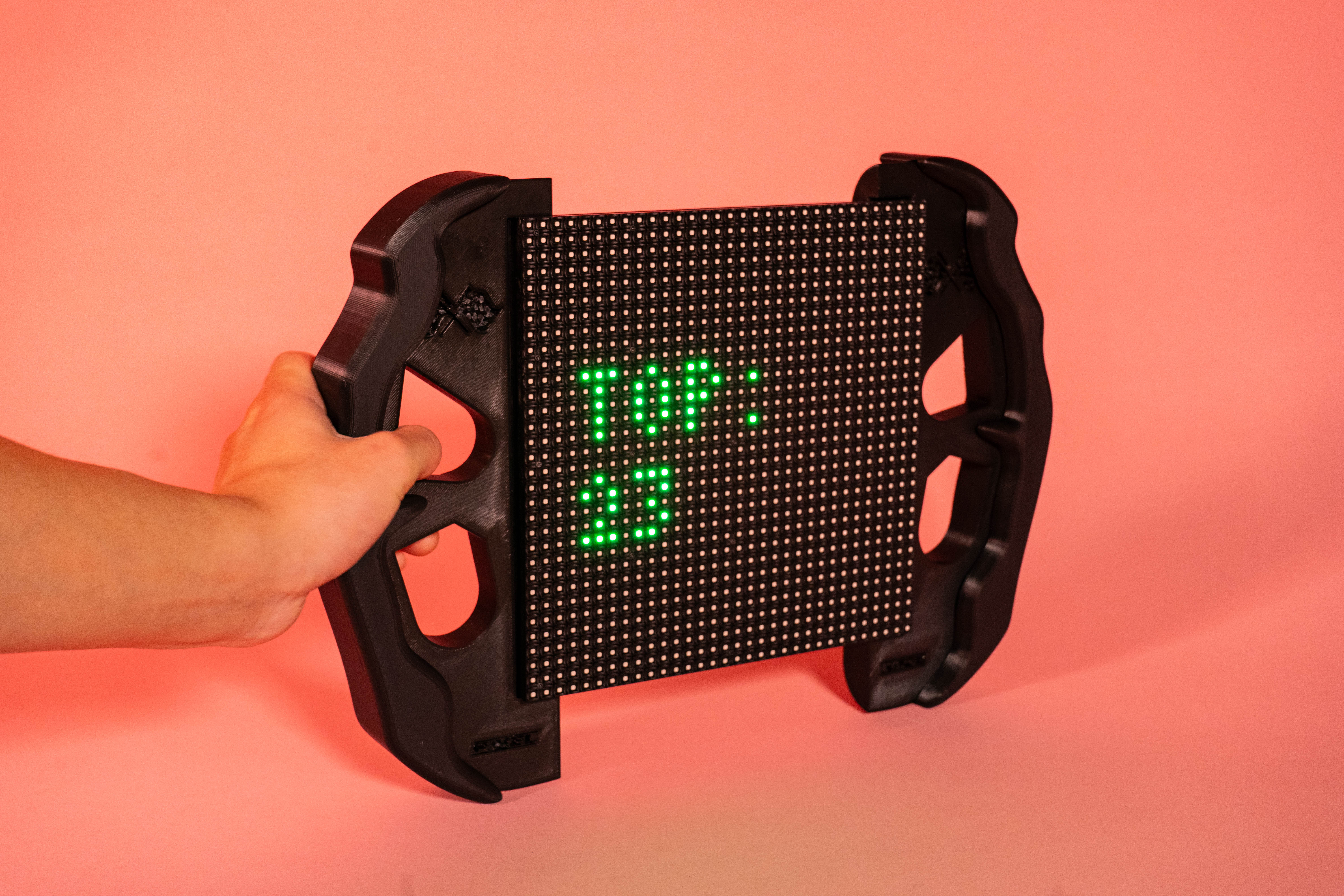
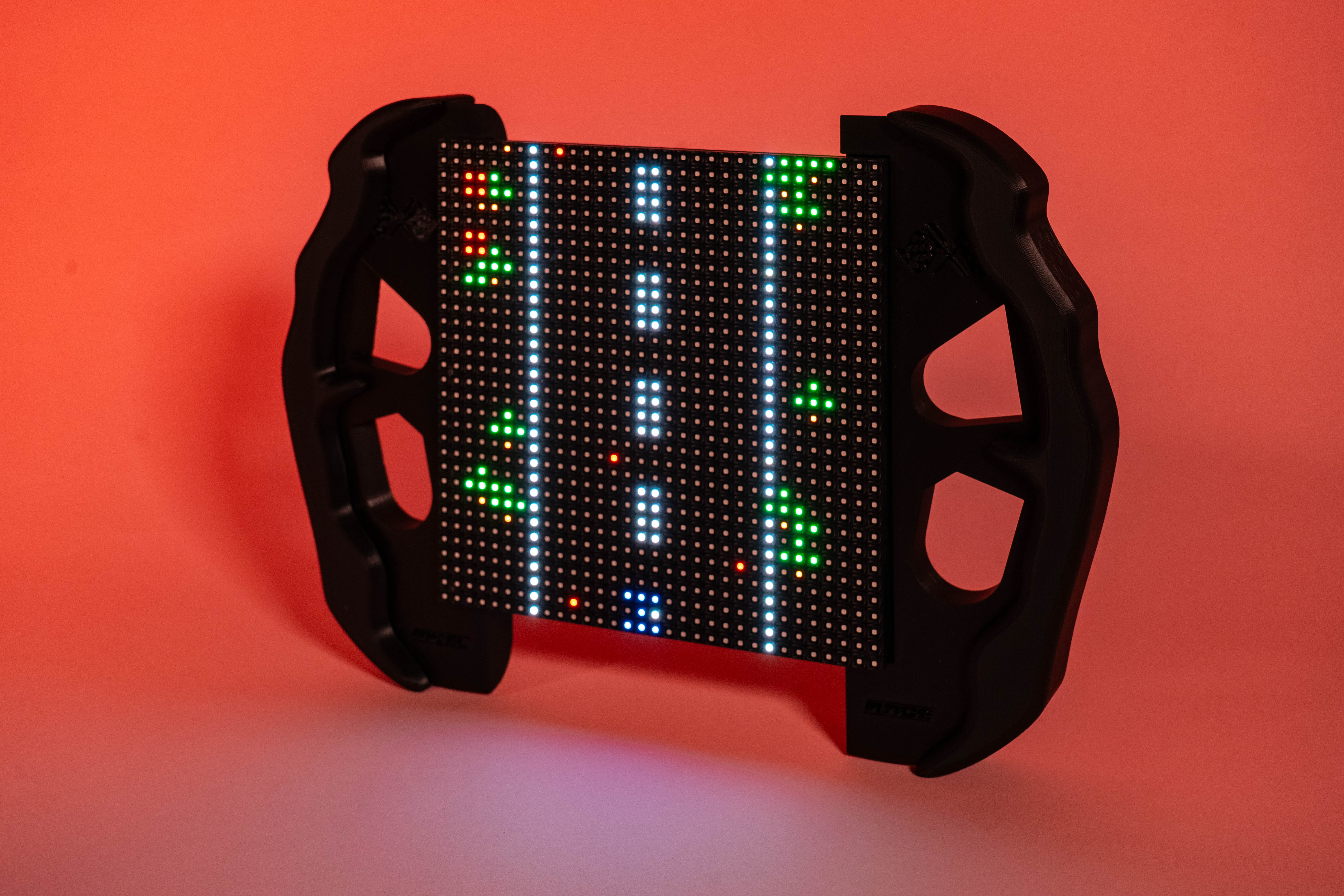
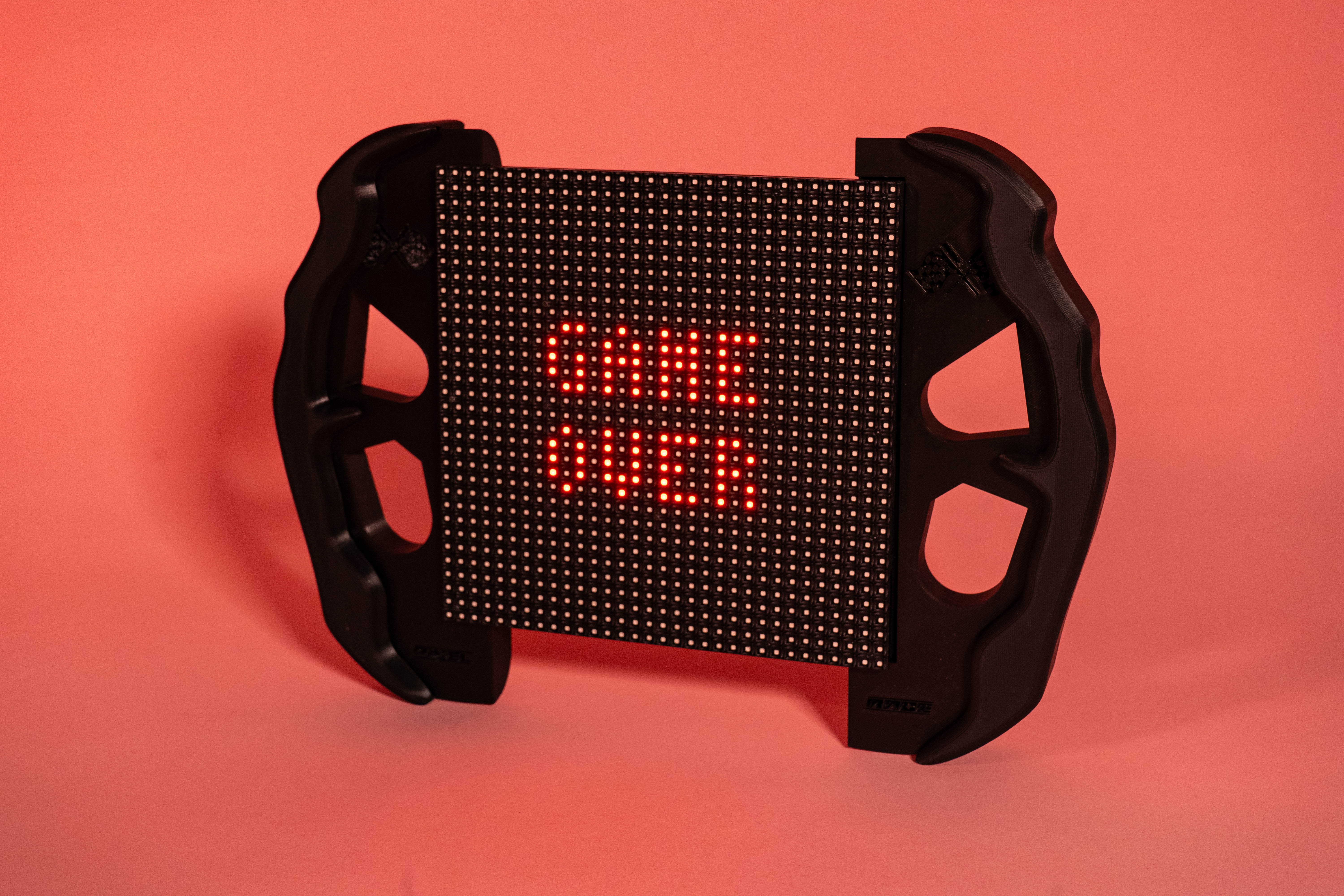
Device Overview
Hardware Stack
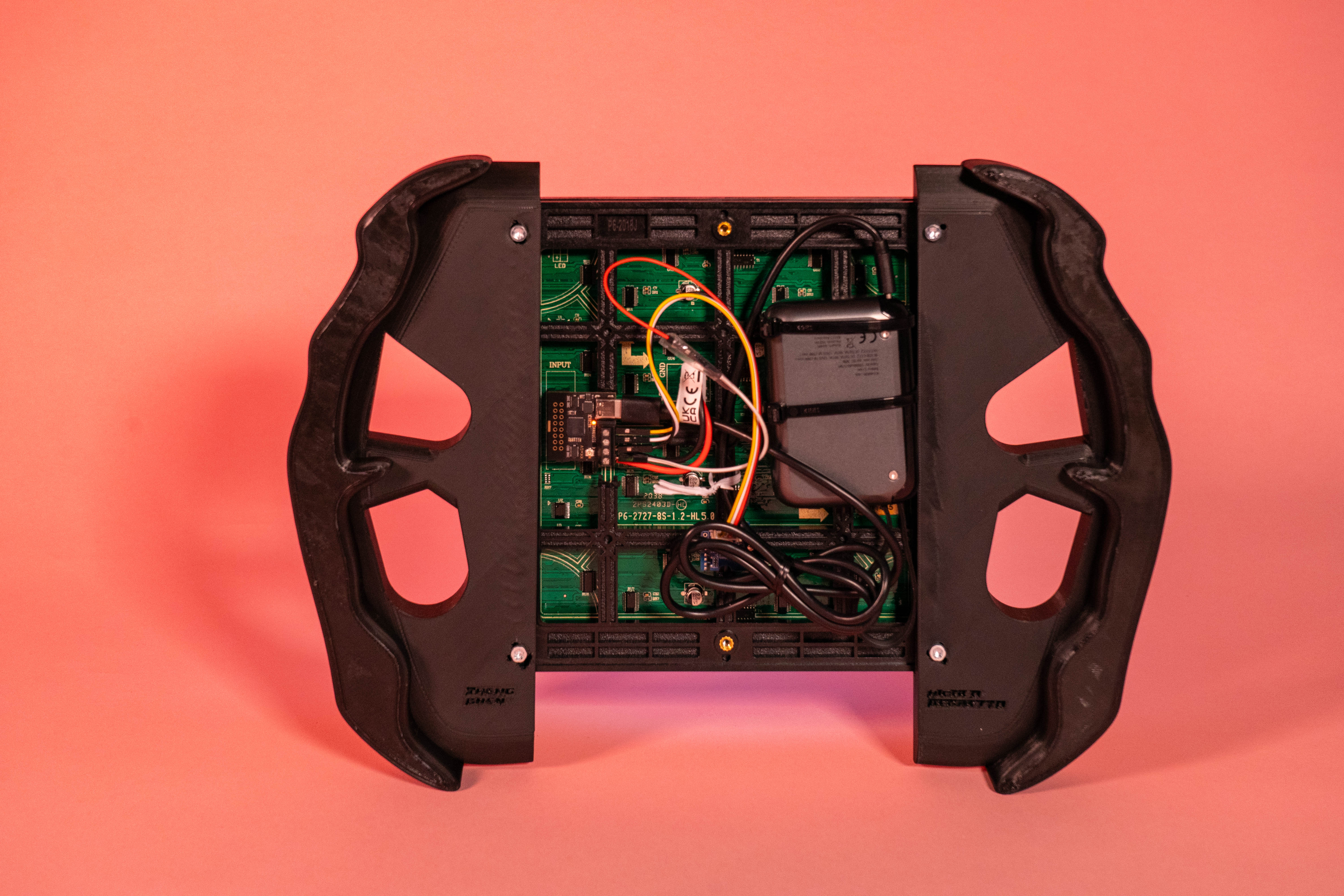
- LIS3DHTR accelerometer sensor: Detects the player's hand motion to control the vehicle position.
- RGB LED matrix: Displays the game using vibrant colors and smooth animations.
- Arduino Nano ESP32: Drives the game loop and sensor integration.
- Custom game logic: Written in C++ using Arduino libraries, including obstacles, scoring, and high-score tracking.
Core Experience
The game runs on a 32x32 LED matrix and turns simple body movement into a racing interaction. Instead of pressing buttons, players steer by tilting the device, creating a more immediate and embodied connection to the game.
Gameplay Mechanics
- Motion Control: Players tilt the device left or right to steer the vehicle, with the accelerometer translating movement into precise in-game motion.
- Dynamic Obstacles: Random obstacles move downward to simulate a racing environment, requiring quick reactions and continuous correction.
- Scoring System: Points are awarded for each obstacle successfully passed, while the high score keeps track of the best session and resets after reaching 999.
- Welcome Page: The device opens with a title screen and starts only when motion is detected, making the interaction feel intentional and performative.
Game Features
Immersive Visuals
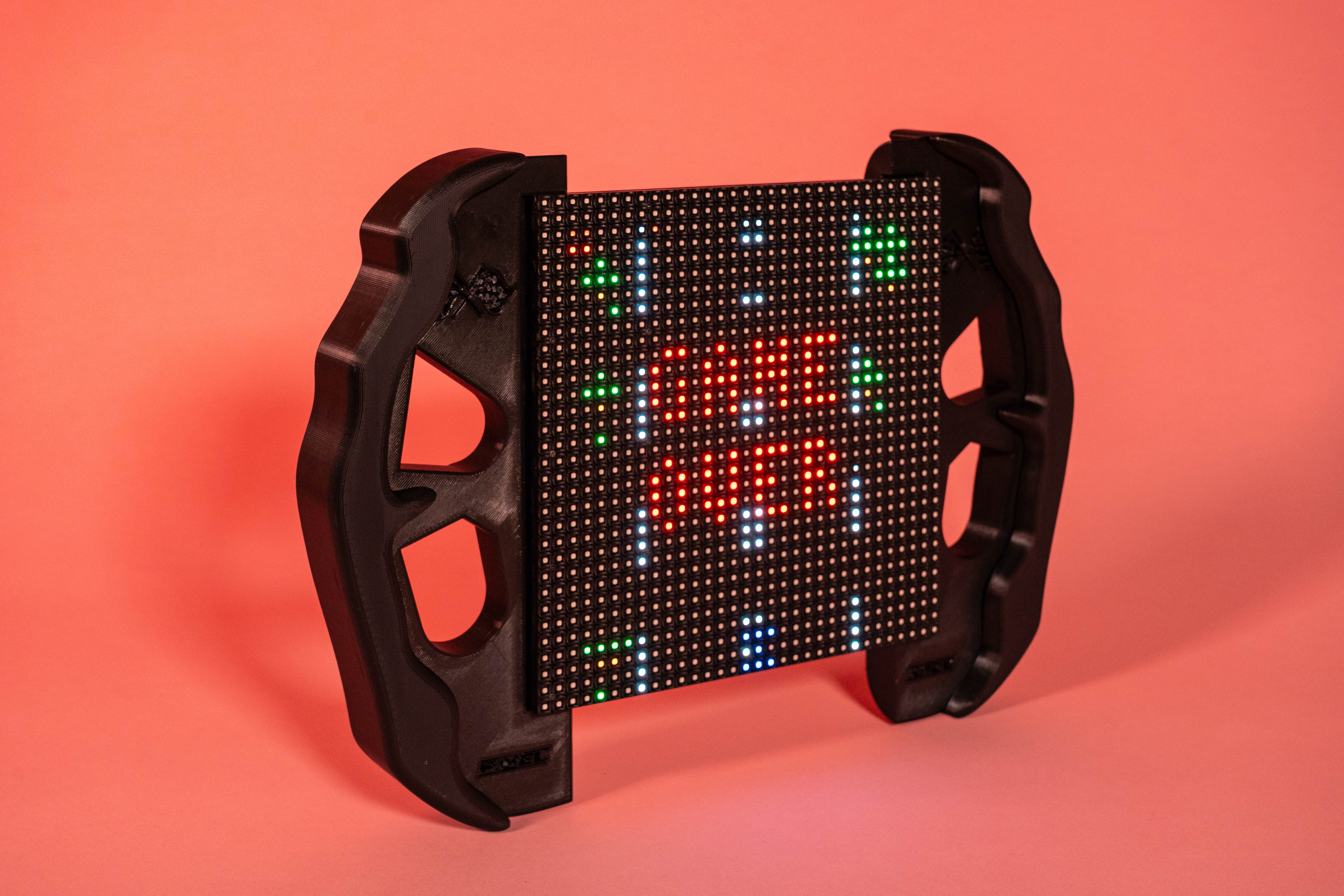
- Dual dashed road lines reinforce the sense of speed.
- Bright obstacles and a clearly defined vehicle improve readability on the LED matrix.
Game Over Feedback
At the end of each session, the game displays the player's score and top score in a simple visual layout designed for quick understanding on a compact screen.
Replay Motivation
The high-score reset at 999 encourages repeated play and keeps the game loop lightweight, competitive, and easy to understand.
Device Features
We designed the device with a standby mode to optimize the user experience and make the game feel responsive only when someone is ready to interact with it.
- Standby mode is the idle state where the game waits for motion detection.
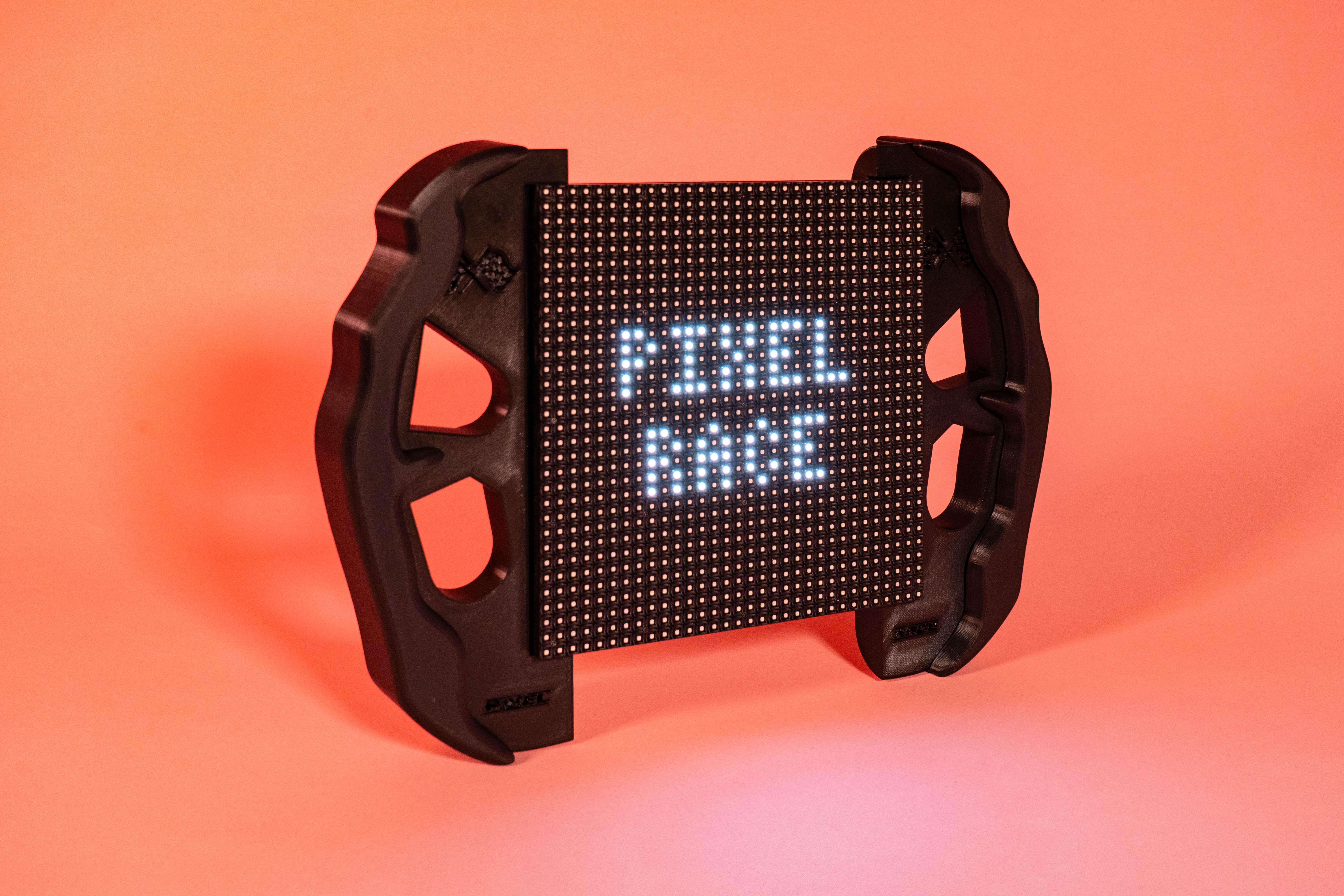
- The screen displays "PIXEL RACE", and the game does not start automatically.
- The LIS3DHTR accelerometer continuously checks for movement using
detectMotion(). - If no motion is detected, the game remains in standby mode.
- If motion exceeds a threshold,
deviceActive = trueand the game starts. - A welcome countdown appears via
showWelcomePage(), then gameplay begins. - After game over, the system returns to standby and waits for motion again.
void detectMotion() {
    float x = LIS.getAccelerationX();
    float y = LIS.getAccelerationY();
    float z = LIS.getAccelerationZ();

    Serial.print("X: "); Serial.print(lastX);
    Serial.print(" Y: "); Serial.print(lastY);
    Serial.print(" Z: "); Serial.println(lastZ);

    float deltaX = abs(x - lastX);
    float deltaY = abs(y - lastY);
    float deltaZ = abs(z - lastZ);

    lastX = x;
    lastY = y;
    lastZ = z;

    if (deltaX > MOTION_THRESHOLD || deltaY > MOTION_THRESHOLD || deltaZ > MOTION_THRESHOLD) {
        deviceActive = true;
    } else {
        deviceActive = false;
        Serial.println("Device is idle. Waiting for motion...");
    }
}
Prototyping Phase
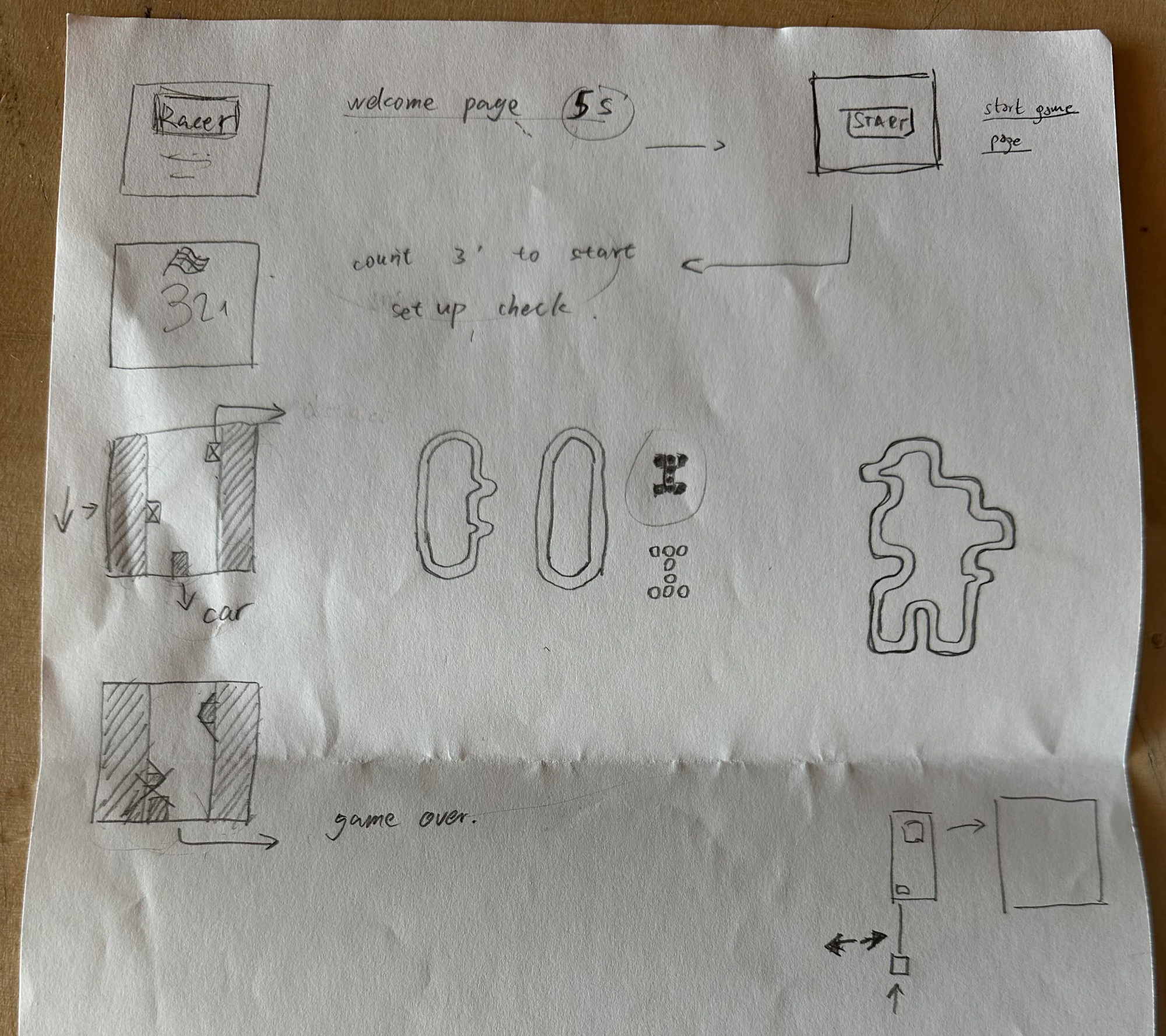
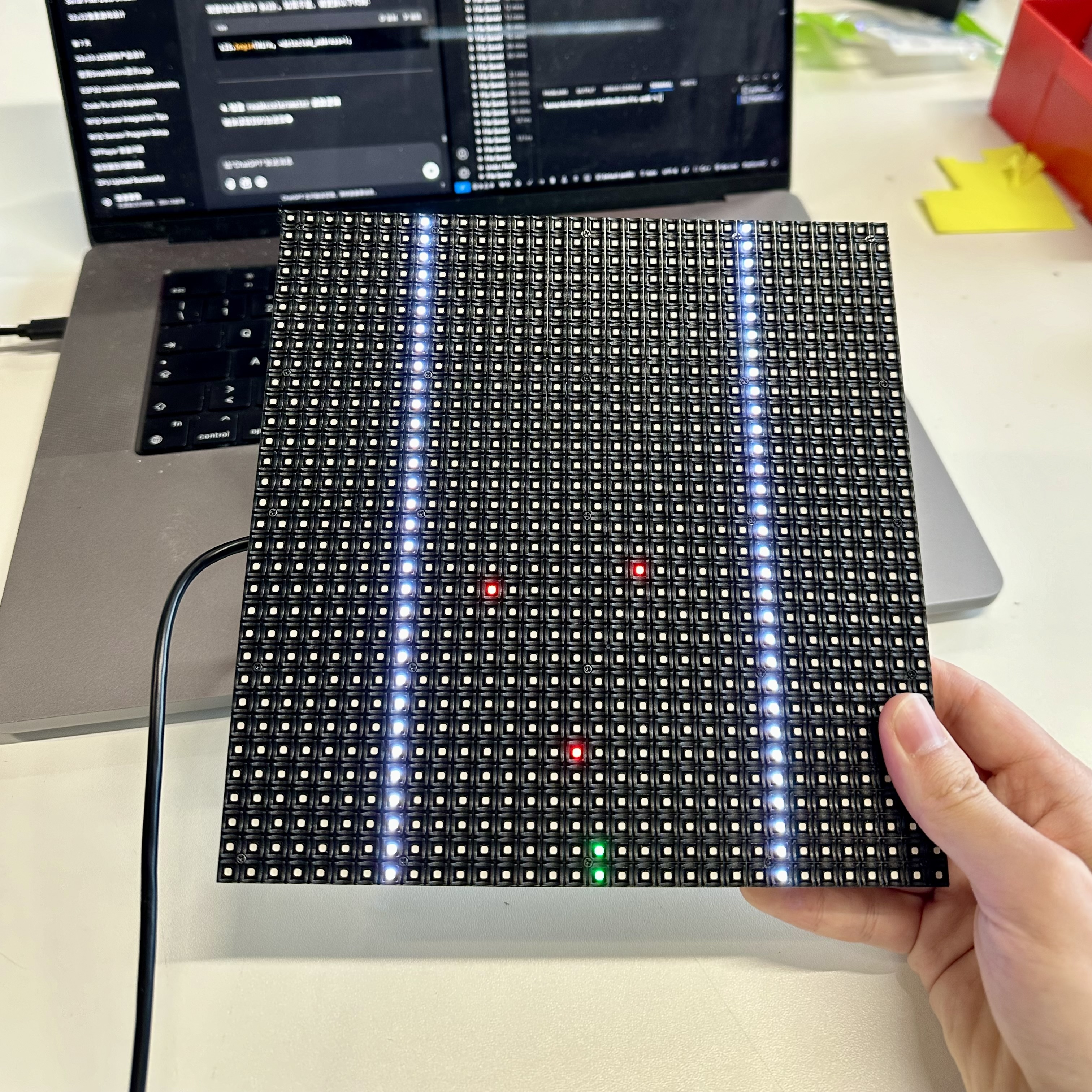
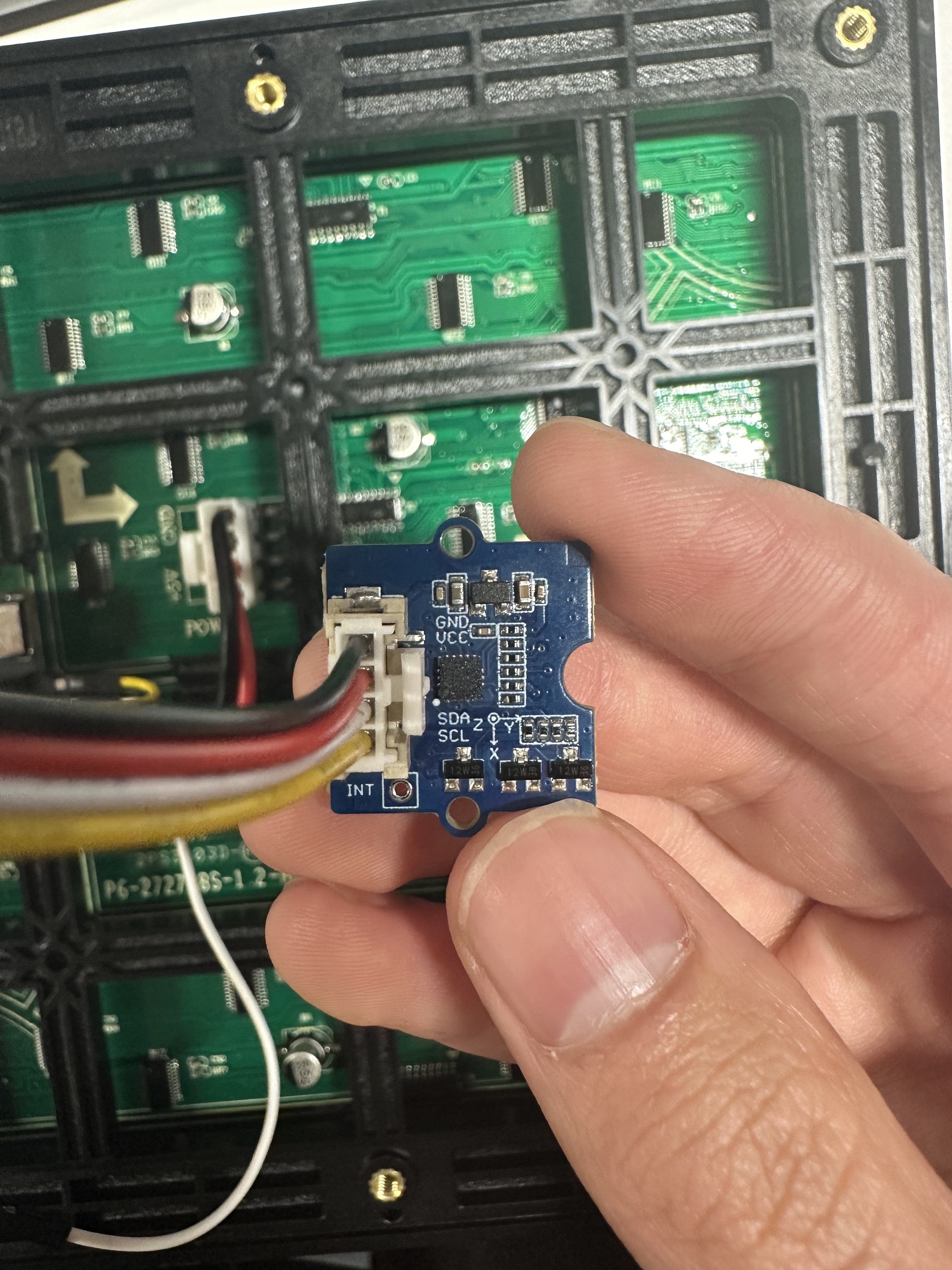
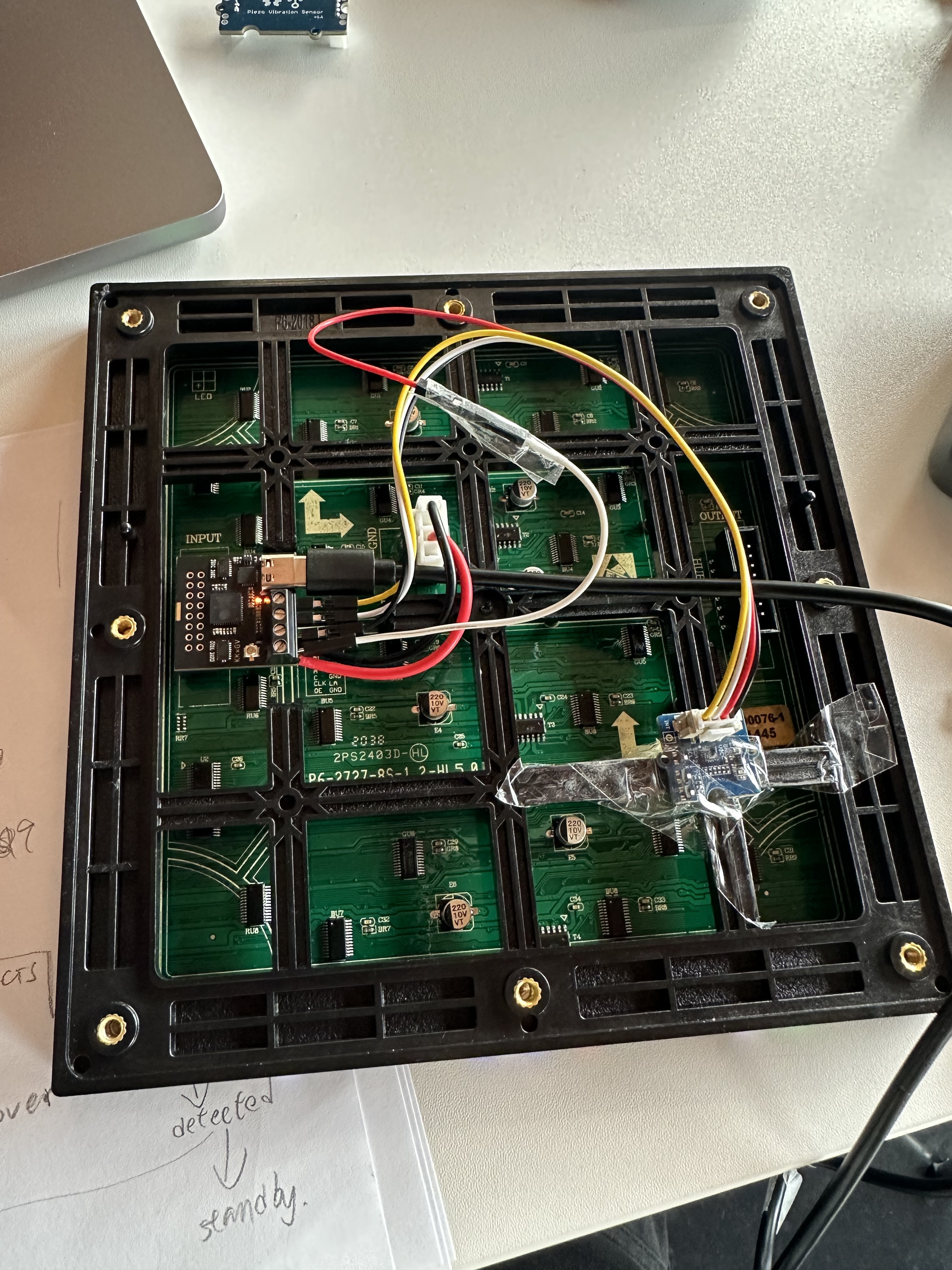
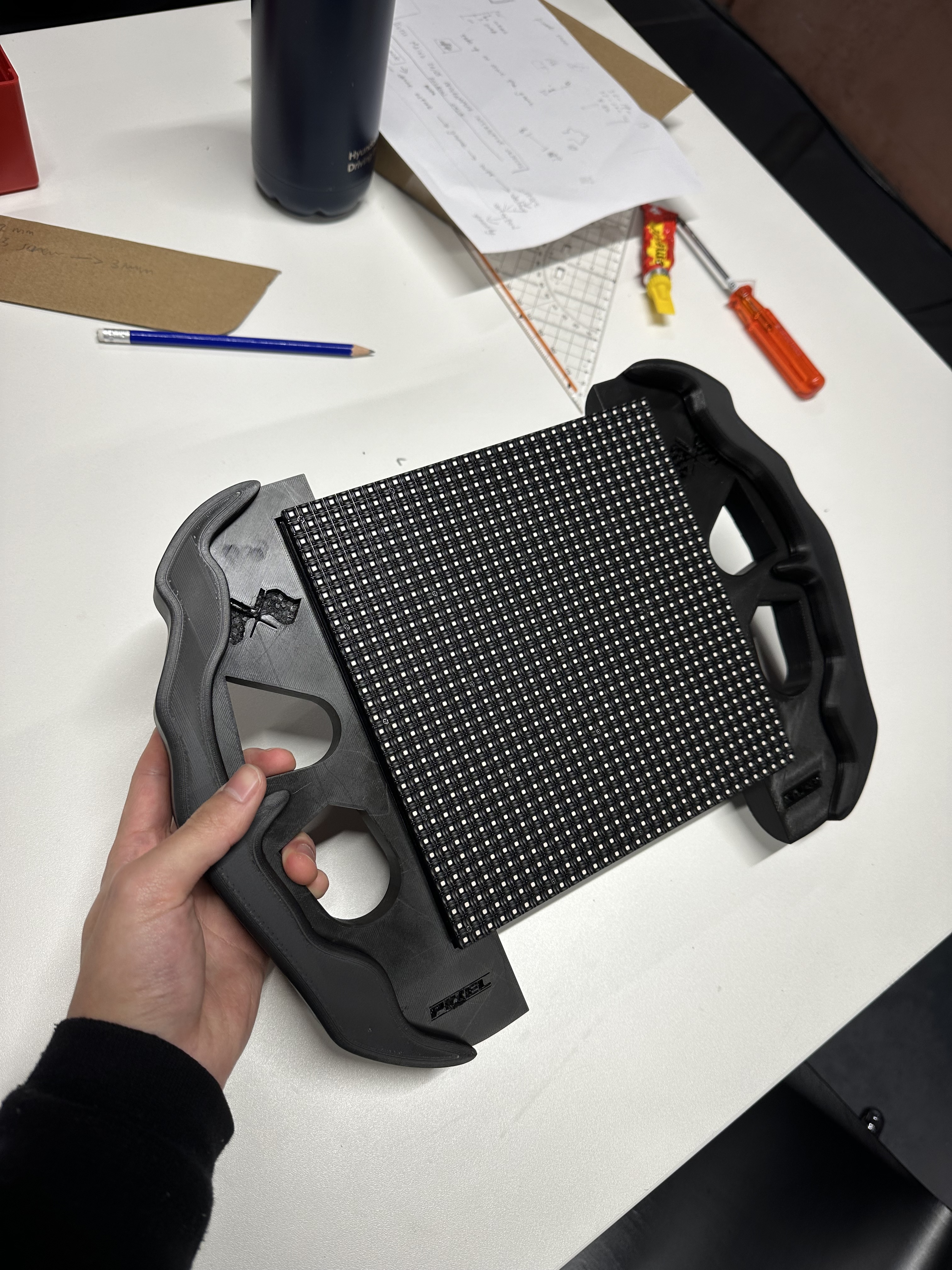
Once the main framework of the game was working properly, we focused on optimizing the graphics, refining the sensor layout, and testing handheld interactions to make the device intuitive, responsive, and robust enough for repeated play.